Featured
AI video tools
Fliki, Synthesia, and HeyGen, compared in one guide. Each has a free way to start.



Some links may earn us a commission. Subscriptions are purchased directly from the provider. Affiliate disclosure
THE AI TOOL MARKETPLACE
Create beyond
borders.
Discover AI tools for your ideas, your work, and what comes next. Explore a world of possibilities, in your language.
56 tools · 13 categories · 13 languages

Scroll sideways to explore more tools
A world of tools. One starting point.Explore tools↓
New
Editor’s picks
THE TOOL SHELF
Find your next possibility.
From creative projects to everyday work. Explore the tools that move your ideas forward.
56 toolsProduct information checked · 2026-11-06
VideoAffiliate
Turn ideas and product images into cinematic video.


Video
Give your message a face, a voice, and another language.
Voice & audio
Find the voice for your next story, video, or product.
Design & slides
Shape a rough idea into a presentation worth sharing.
Automation & agents
Connect apps and AI agents in visual workflows.
Meetings & schedulesAffiliate
Capture meetings and turn conversations into notes and next steps.
Images
Create images, characters, and videos in one creative studio.
Marketing & SEO
Track your brand in AI search and create content to grow its visibility.
Websites & apps
Describe your idea and build a working website or web app.
AI integrations
VideoAffiliate
Create presenter-led training and business videos from text.
AI integrations
VideoAffiliate
Edit footage on a timeline, add captions, and generate shots with AI.
Voice & audio
Produce voiceovers for explainers, learning, and campaigns.
AI integrations
Images
Explore visual ideas, then refine them into creative assets.
AI integrations

Websites & apps
Design and publish a website, with AI to help you get started.
Video
Turn long videos into short clips ready for social platforms.
Video
Record and edit video or podcasts by working with the transcript.
Automation & agents
Build AI workflows with visual steps and code where you need it.
VideoAffiliate
Bring text to life with AI video, voices, and avatars.
AI integrations
Meetings & schedules
Transcribe meetings, interviews, and recordings into usable notes.
AI integrations
AI assistantsAffiliate
Prepare for meetings and draft follow-ups with your client context in view.
Writing
Refine your writing with paraphrasing, grammar checks, and summaries.
AI integrations
Some links may earn us a commission. Subscriptions are purchased directly from the provider. Affiliate disclosure
START WITH AN IDEA
A tool for every part of the process.
Explore these suggested starting points. Pick the tools that fit your project.



Make a product ad
Video, voice, and design for your next campaign.
Explore collection
Tell it in another language
Explore avatar video, voice, and dubbing tools.
Explore collection


Bring an idea to the web
From the first presentation to your next website.
Explore collection


Make meetings count
Capture decisions, share notes, and make room for the next step.
Explore collection

Connect your work
Build workflows, connect apps, and collect the data you need.
Explore collection

Publish with purpose
Research, refine your words, and improve search visibility.
Explore collectionLatest from the blog
View all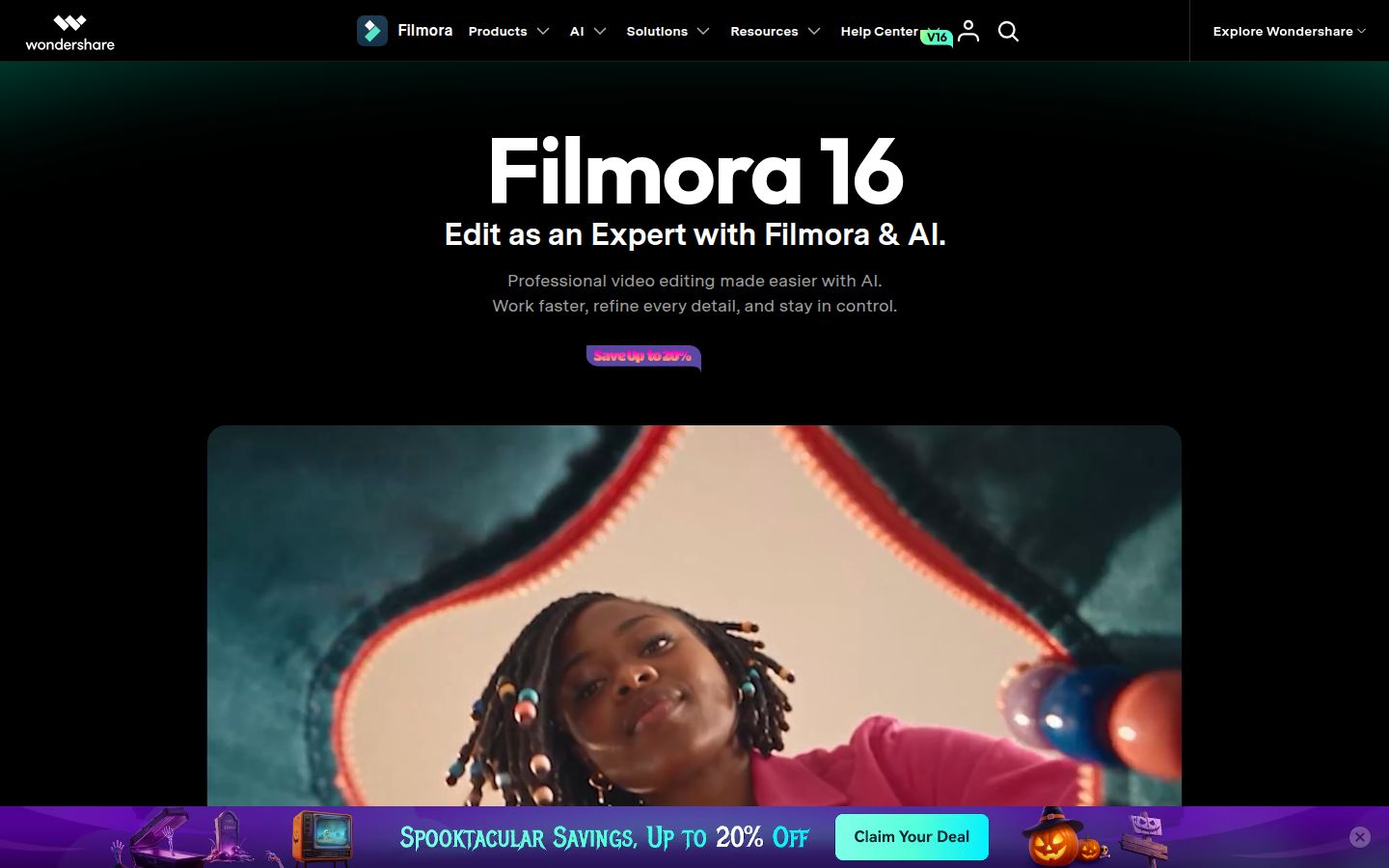
What Is Filmora? Timeline Editing, Captions, and Plans
AI Tools Directory 2026: Five TOOLPORT Listings
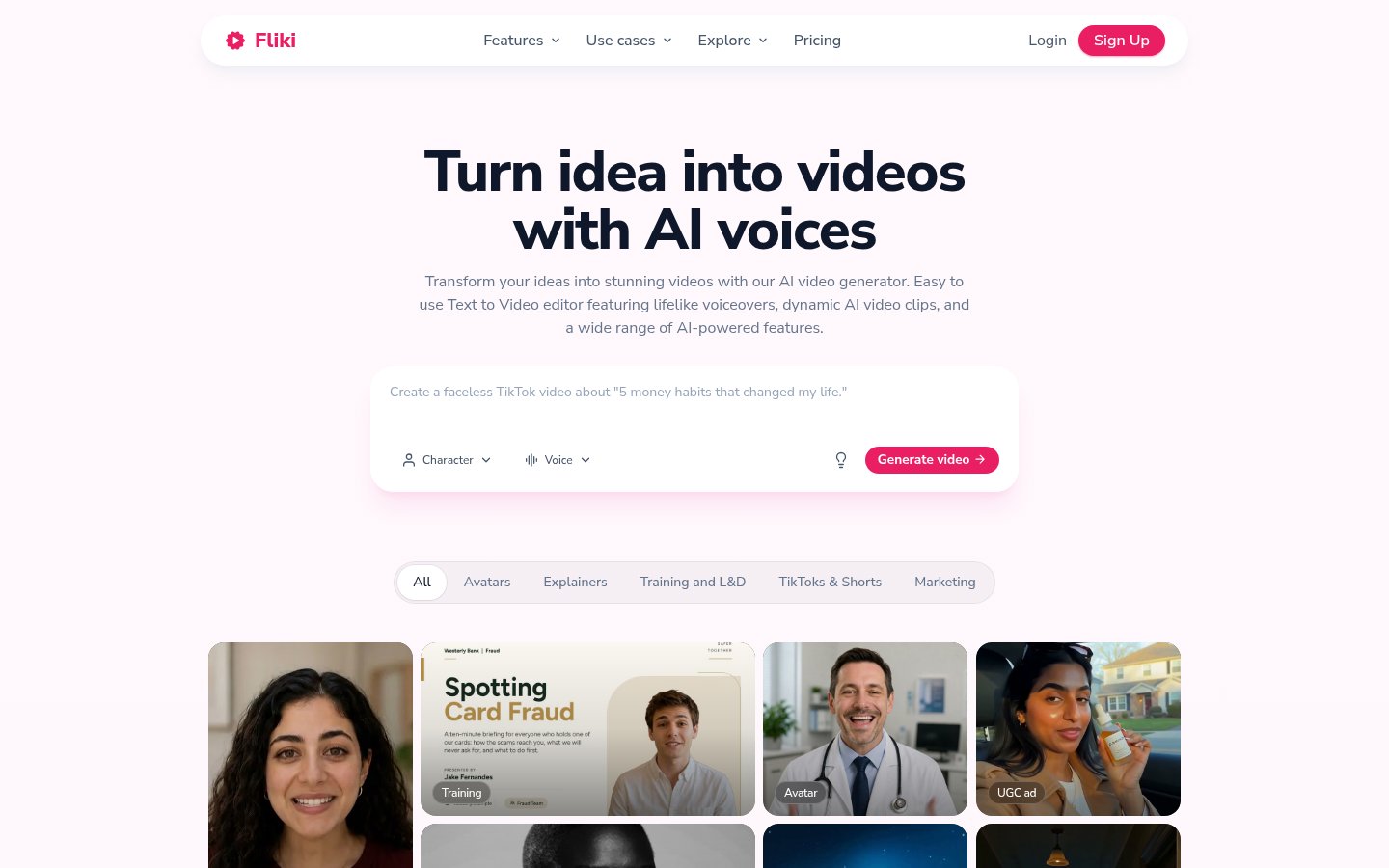
How to Make Faceless Videos with Fliki
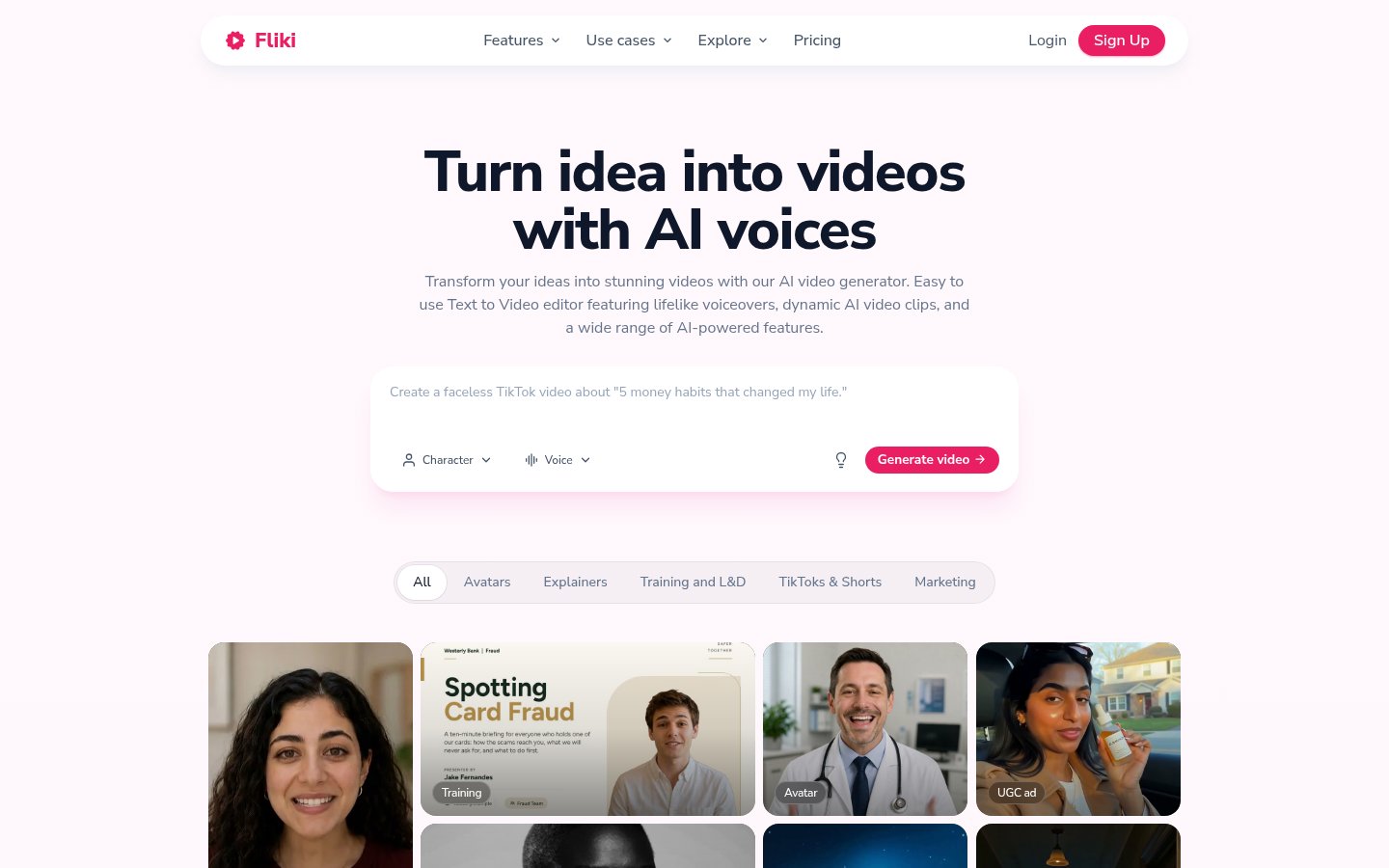
AI Video Tools Compared: Synthesia vs Fliki vs HeyGen

What Is Runway? A Beginner’s Guide to Its AI Video and Image Features, Pricing, and How to Use It
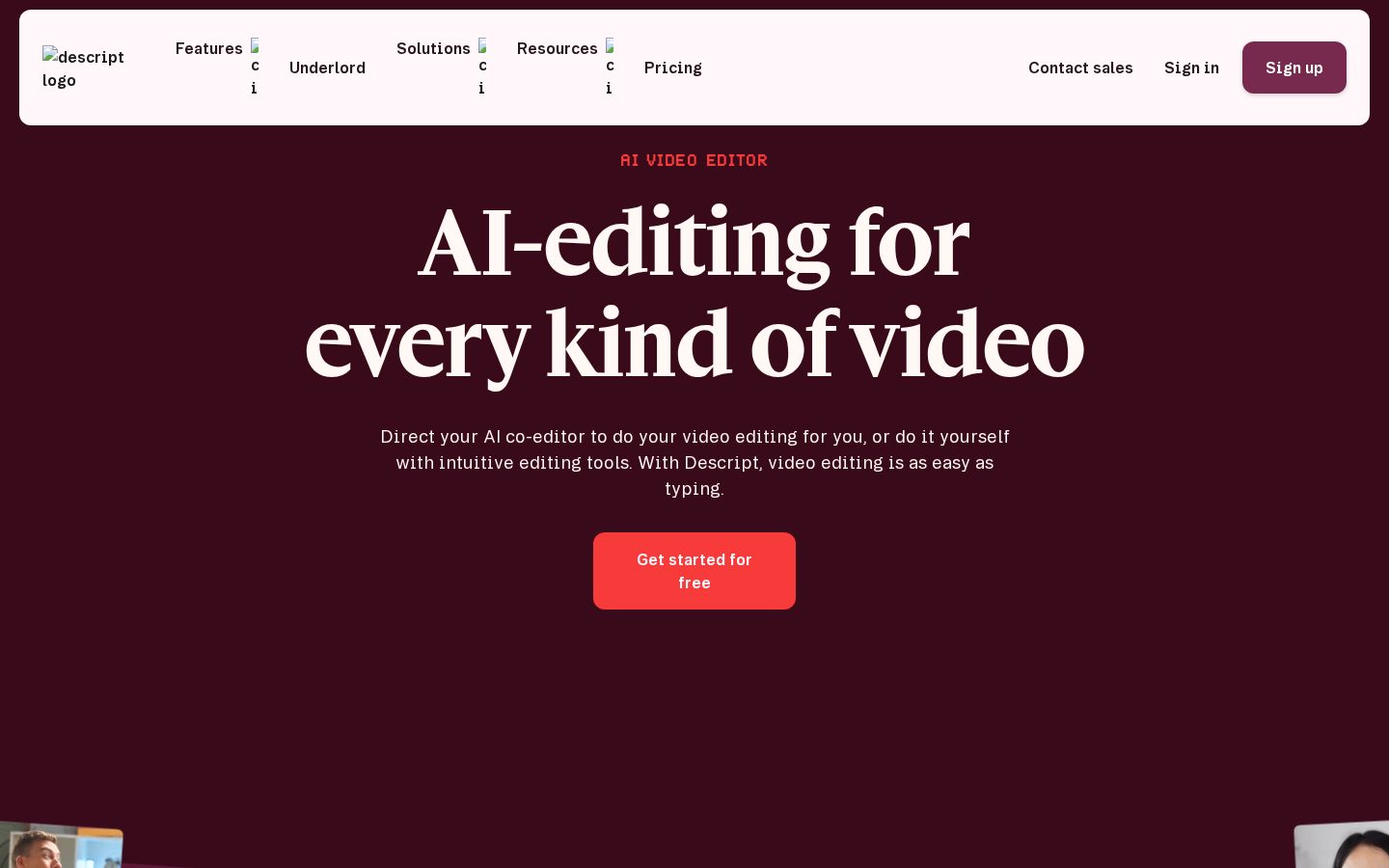
What Is Descript? Text-Based Video Editing, Pricing, and Multilingual Support
A SHORTER PATH TO CREATING
Discover. Compare. Create.
01
Find your fit
Browse by what you want to make, or search for a feature.
02
Take a closer look
Compare up to three tools and check the provider’s latest plans.
03
Start with the provider
Subscribe directly with the service you choose. Your account and payments stay with them.
A few things to know.
Do I buy tools from TOOLPORT?
TOOLPORT is an independent discovery site. You sign up and pay on each provider’s official website. Prices, availability, billing, and support are managed by the provider.
How do affiliate links work?
Some links are affiliate links. We may earn a commission if you subscribe through them. Affiliate links are labeled. Other links go directly to the official provider without our referral code.
Are the tools available in all 13 languages?
The TOOLPORT catalog is available in 13 languages. Each tool has its own interface languages, supported output languages, and regional availability. Check these on the provider’s site before subscribing.