What Is Runway? A Beginner’s Guide to Its AI Video and Image Features, Pricing, and How to Use It
A guide to Runway’s video, image, and audio tools, pricing, getting started, and caveats, based on official pages read on 2026-11-06 (Fri).
Information checked on 2026-11-06 (Fri). Features and prices come from official page text and the pricing page read that day. Confirm current prices on the signup screen. We did not test the product ourselves. The Help Center body could not be retrieved and remains unverified.
Lead
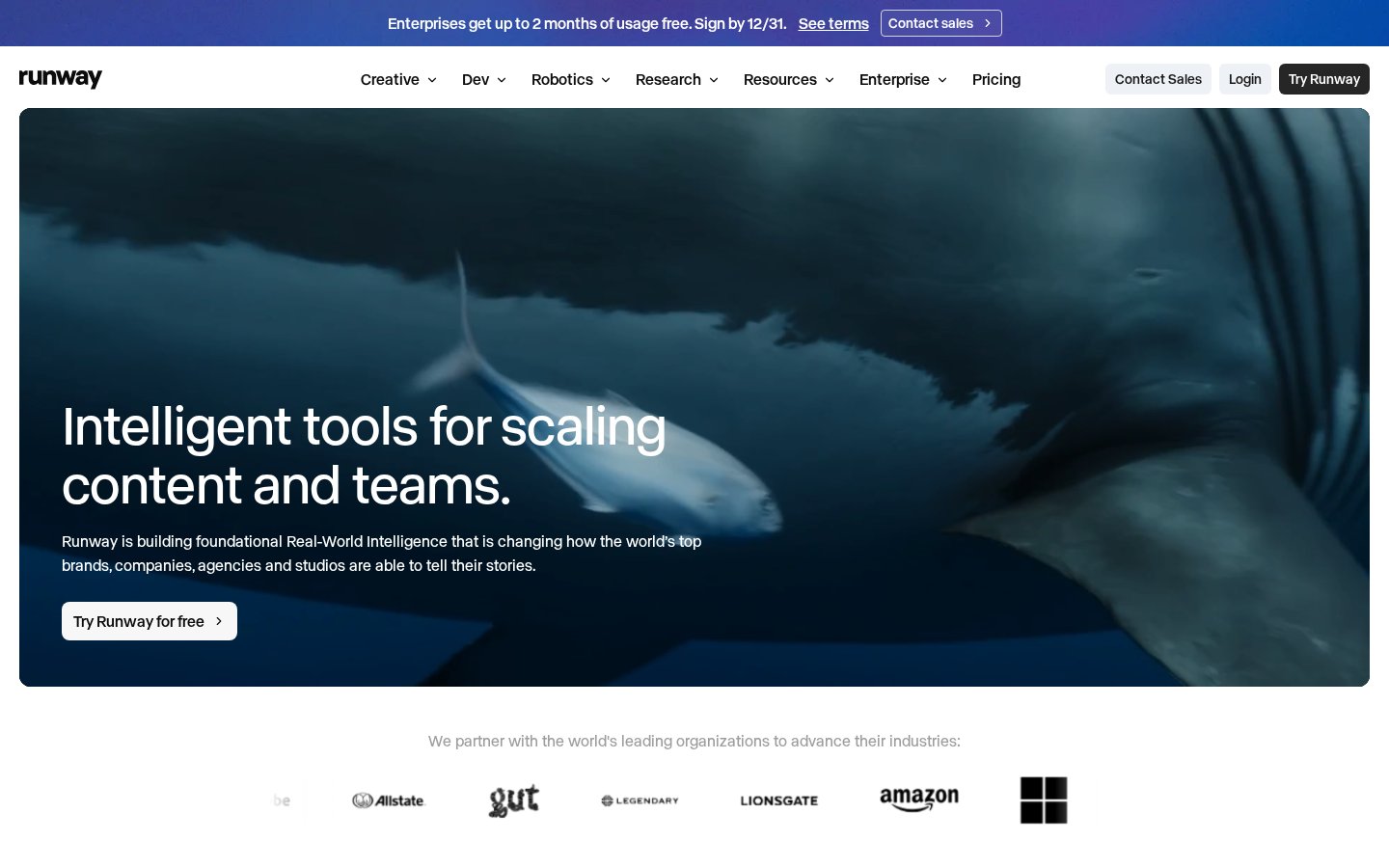
Runway is presented on its official site as “Intelligent tools for scaling content and teams.” Alongside Creative, which generates and edits video, images, and audio in one workspace, the site also points to Dev for developers and Robotics.
This article briefly summarizes individual-plan pricing, the main features shown on official pages, and where to start.
What Runway is
The official homepage says Runway is building foundational Real-World Intelligence that is changing how the world’s top brands, companies, agencies and studios tell their stories. Creative is described as “Your complete Creative Suite, now in a single workspace”: a cloud platform for generating and editing video, images, and audio. It is built for individuals and teams of all sizes, and the site states “Used by 60m+ creatives around the world. Try free, cancel anytime.”
The product page headline is “A new frontier for video generation.” The same page says “Used by 60M+ users globally · try today and cancel anytime.”
What you can do (main features)
Creative: The official site describes a cloud creative platform that can generate and edit video, images, and audio in one workspace.
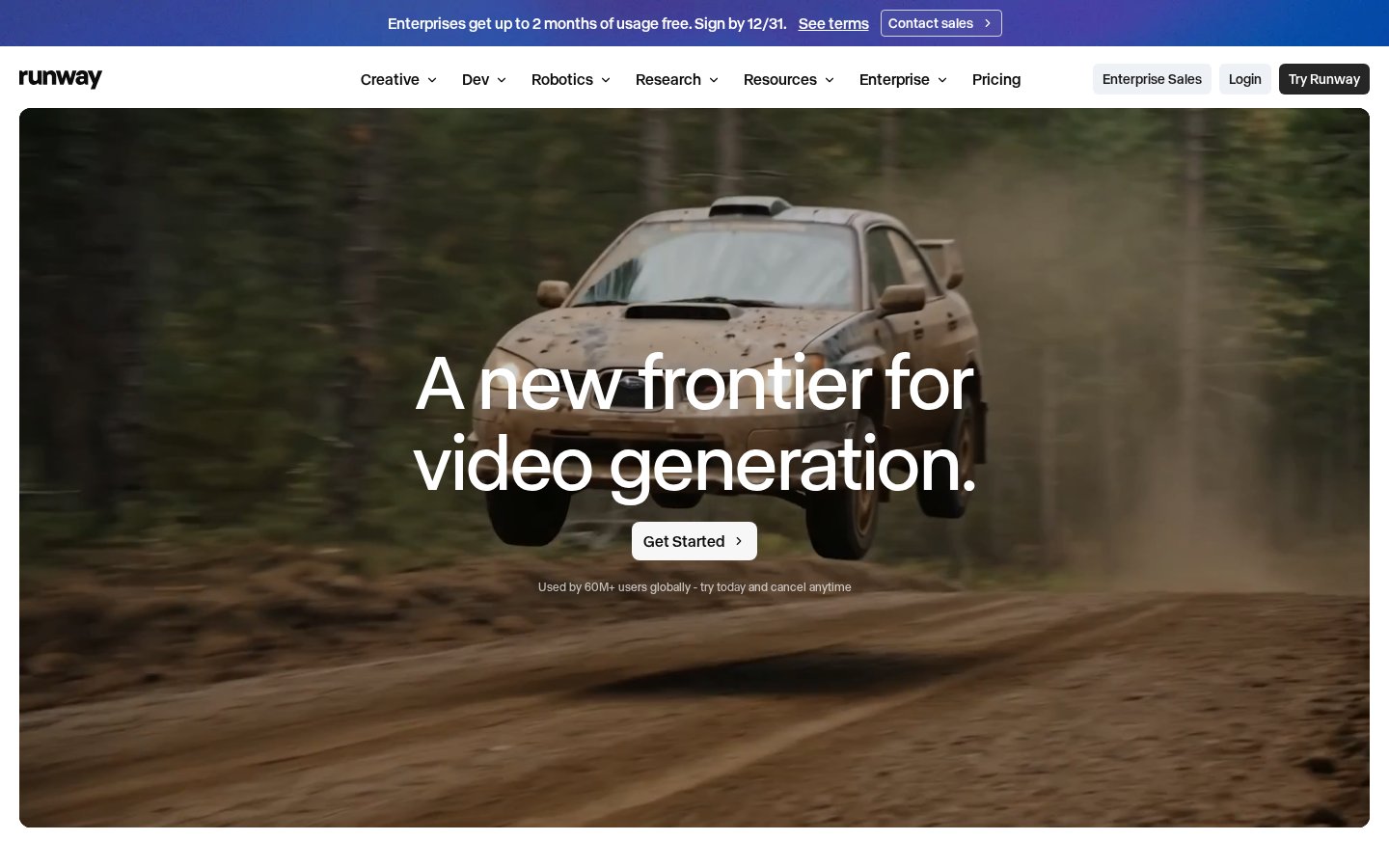
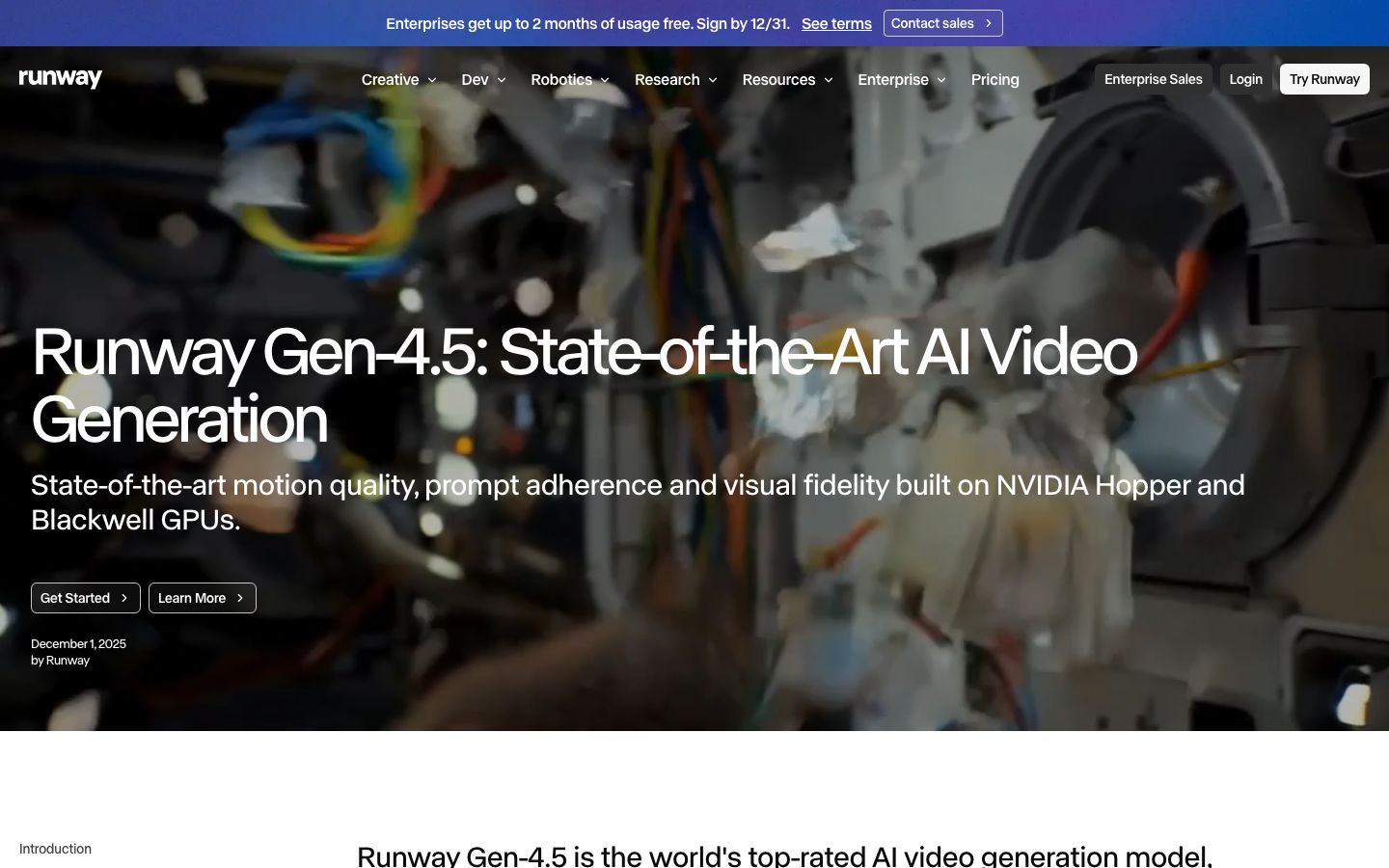
Gen-4.5: The official introduction calls it “Runway's most advanced video generation model,” with improvements in motion quality, prompt adherence and temporal consistency. It is available on all paid plans. The page also describes state-of-the-art motion quality, prompt adherence and visual fidelity built on NVIDIA Hopper and Blackwell GPUs.
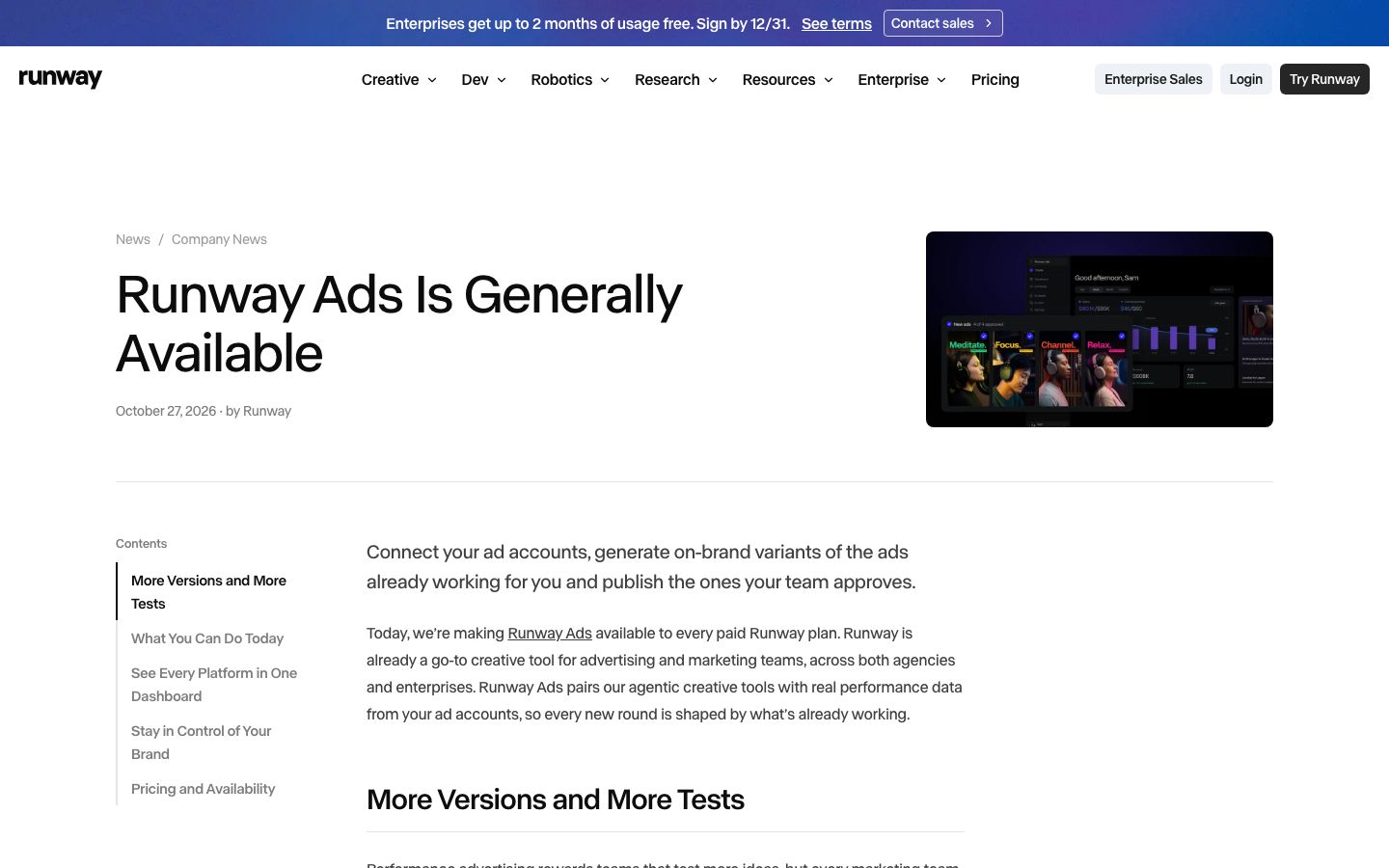
Runway Ads: An official news post dated October 27, 2026 announces general availability. It says you can connect your ad accounts, generate on-brand variants of ads that are already working, and publish the ones your team approves. It is available on every paid plan. The homepage mentions connecting Meta, Google and TikTok accounts.
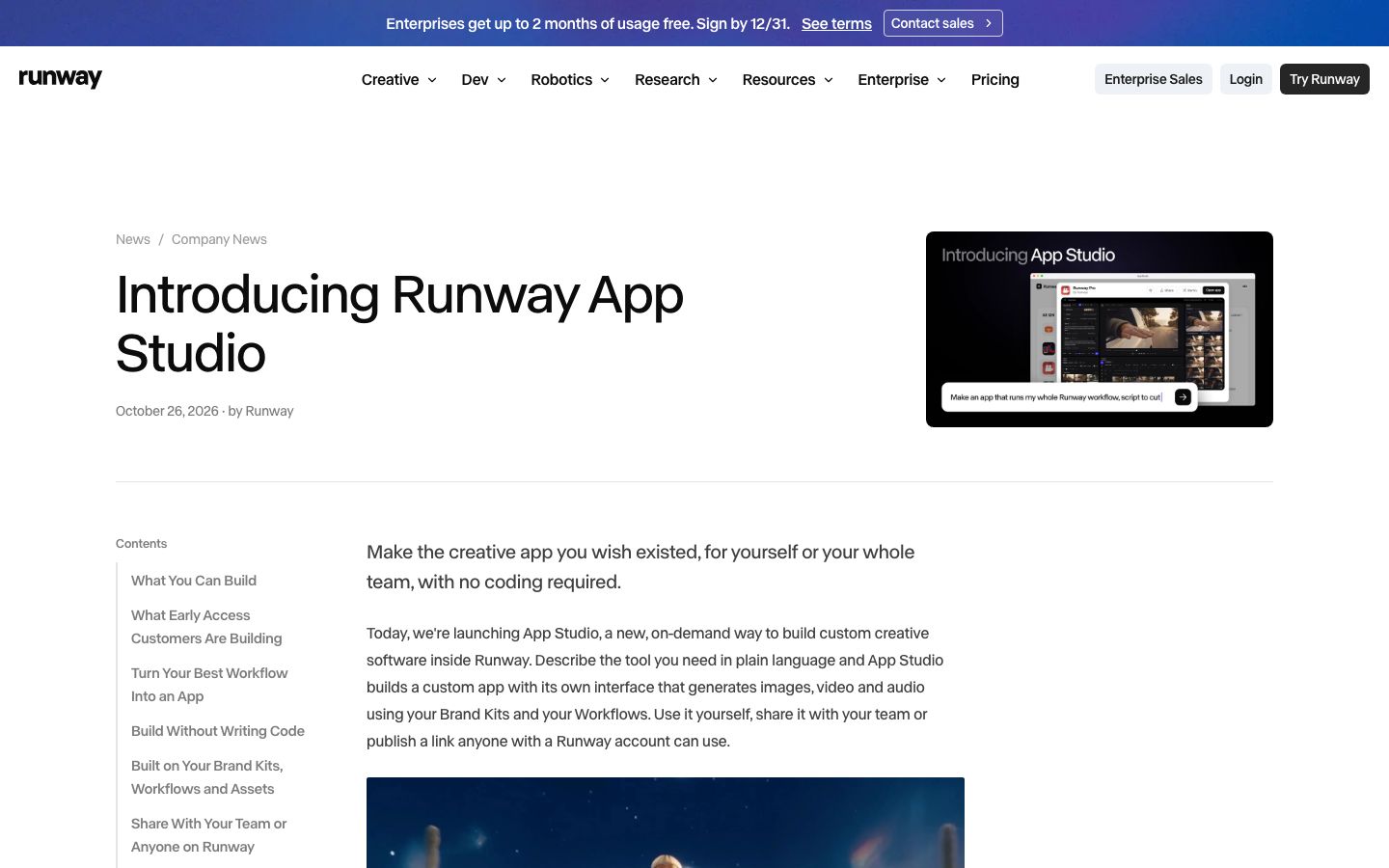
App Studio: An official news post dated October 26, 2026 says you describe the tool you need in plain language and App Studio builds a custom app, with no code, that generates images, video and audio using your Brand Kits and Workflows. You can use it yourself, share it with your team, or publish a link anyone with a Runway account can use.
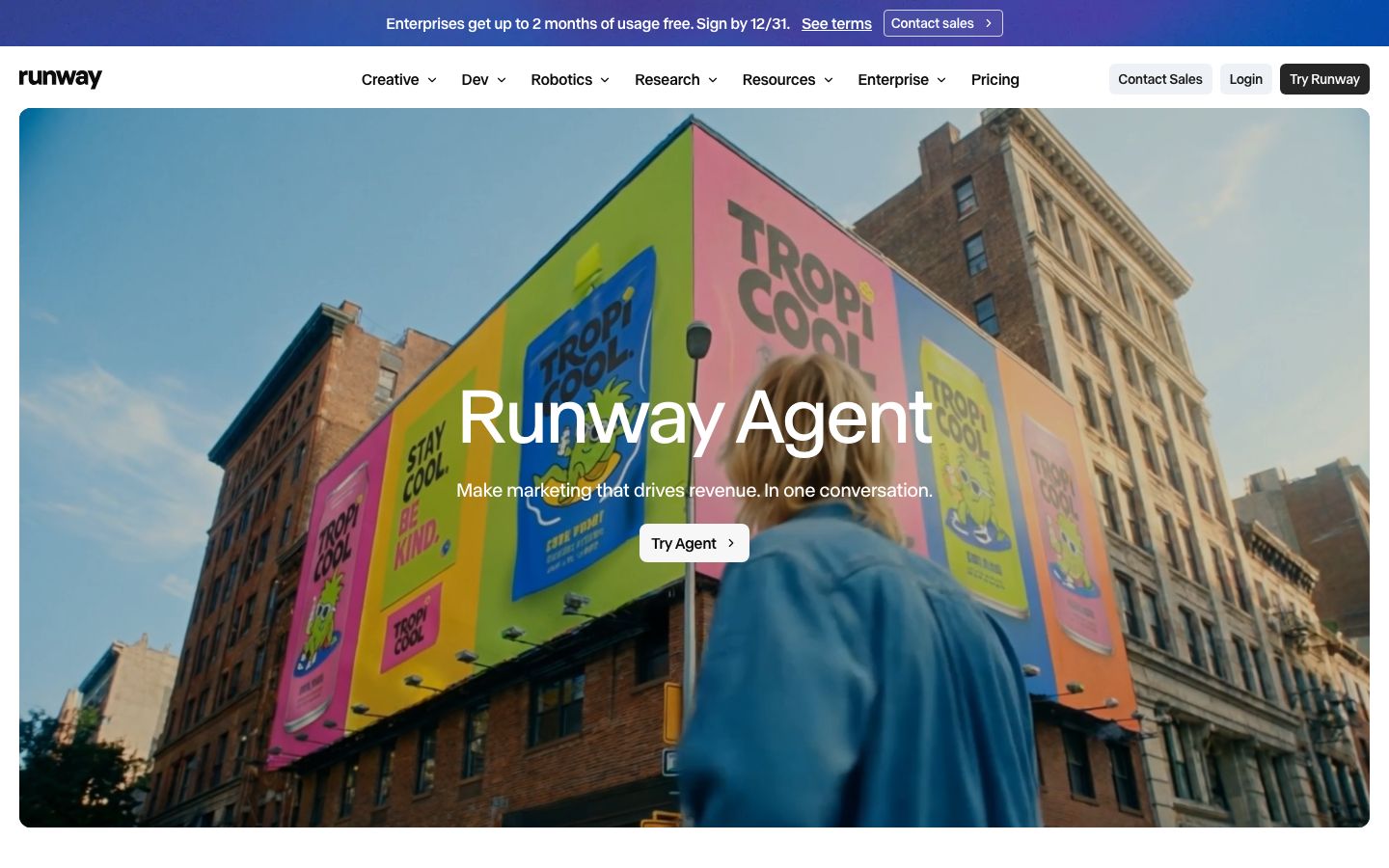
Runway Agent: The official page title is “Marketing content that drives revenue.” It is described as a chat-based marketing agent: tell it about your product, audience or a live campaign, and it finds angles and then builds and scales concepts, ads, full campaigns and variants. On-page copy reads “Make marketing that drives revenue. In one conversation.” The pricing page lists an “Agentic creative collaborator” on paid plans.
Dev: It is presented as an AI media platform for developers, with models and documentation at https://docs.dev.runwayml.com/. The pricing page also lists Runway MCP on the Pro and Max plans.
Apps: The official homepage points to Runway apps for iPhone and Android.
The pricing comparison table lists Gen-4.5, Aleph 2.0, Kling 4.0, Seedance 2.0 Pro, Gen-4 Image, Nano Banana Pro, Seed Audio 1.0, Lyria 3, and text to speech, among others. Credit use for each model is shown in the table.
Pricing plans
This is the pricing page as of 2026-11-06 (Fri) (Individual tab, yearly display, “Yearly -20% off”). Prices can change. When viewed, Standard, Pro, and Max showed “Kling 4.0 25% off until November 30.”
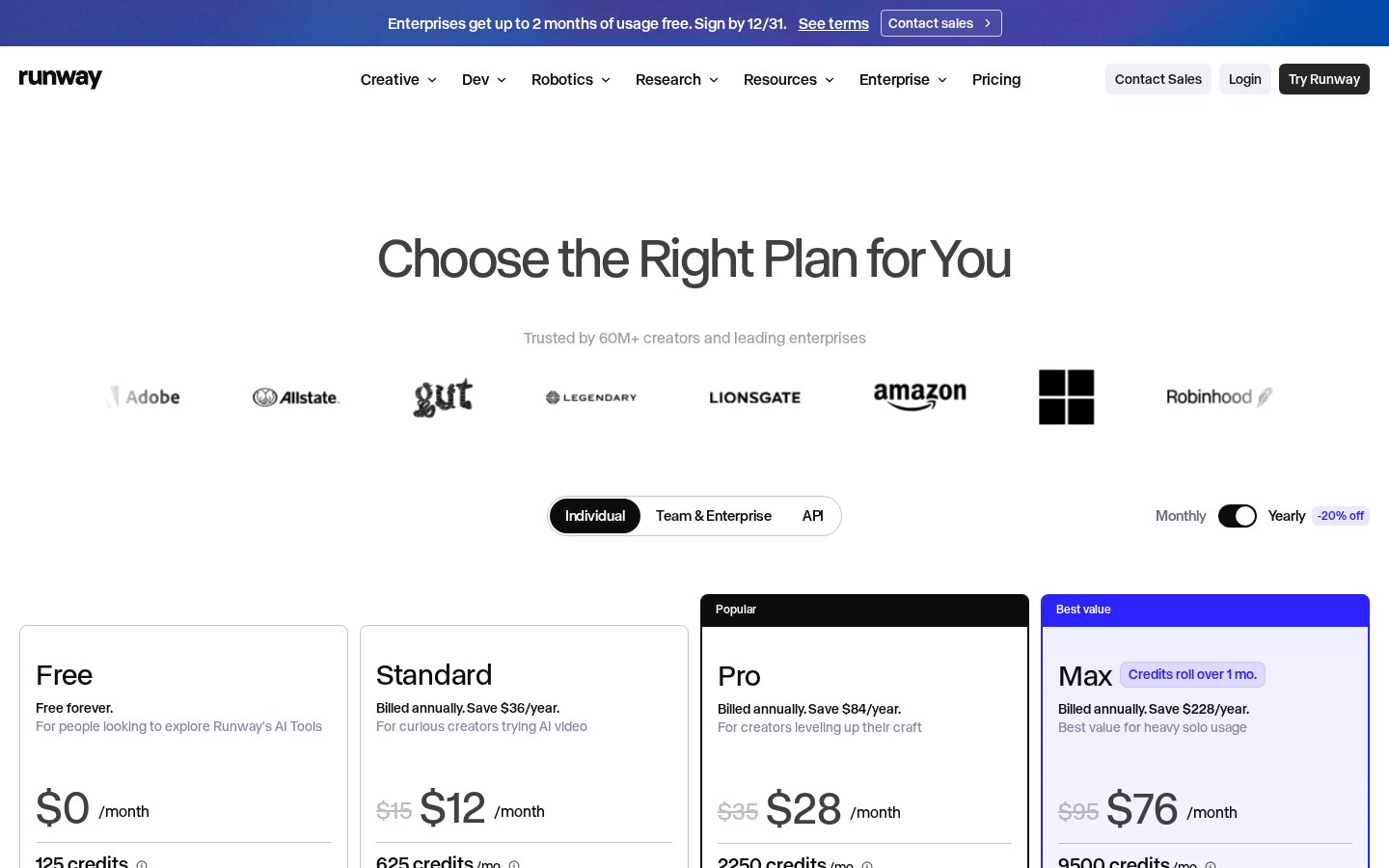
Individual plans (monthly price when billed annually)
Plan | Monthly price when billed annually | Monthly price | Monthly credits | Main details (as shown on the pricing page) |
|---|---|---|---|---|
Free | Free ($0) | $0 | 125 (one-time) | The page says “Free forever” and “For people looking to explore Runway's AI Tools.” A selection of generative models to test concepts. 5GB storage. The FAQ says these 125 credits do not expire. |
Standard | $12 | $15 | 625 | “For curious creators trying AI video.” Billed annually, save $36/year. Access to all AI video and image models, agentic creative collaborator, App Studio, Runway Ads, 5 parallel generations, music, voice and sound effects, up to 3 projects, no watermarks, 4K upscaling, 20GB storage. The page converts 625 credits to 52s of Gen-4.5, 104s of Gen-4 Turbo, or 78 Gen-4 Images (1080p). |
Pro | $28 | $35 | 2250 | “For creators leveling up their craft.” Billed annually, save $84/year. 15 parallel generations, up to 5 projects, 1 Brand Kit, 1 custom voice clone, top-up credits anytime, Runway MCP, unlimited 4K video upscaling, 100GB storage. The page converts 2250 credits to 187s of Gen-4.5, 375s of Gen-4 Turbo, or 281 Gen-4 Images (1080p). |
Max | $76 | $95 | 9500 | “Best value for heavy solo usage.” Billed annually, save $228/year. Credits roll over 1 month. 20 parallel generations, up to 10 projects, up to 3 Brand Kits, up to 3 custom voice clones, early access to new models, HDR, ProRes and image sequences, unlimited 4K, 500GB storage. The page converts 9500 credits to examples such as 791s of Gen-4.5. |
Plans for teams and organizations
Team: Structured data (schema.org Offer) on the pricing page names it “Runway Team Plan,” describes it as “Best for fast-moving teams with high production needs,” and lists the price as $69. We did not open the on-page “Team & Enterprise” tab, so whether $69 is per seat and whether it is monthly or an annual monthly equivalent remains unverified.
Enterprise: The same structured data describes it as “Built for organizations: security, privacy, admin controls and dedicated support,” and points pricing to sales (https://runway.com/sales).
When viewed, the top of the site showed “Enterprises get up to 2 months of usage free. Sign by 12/31. See terms.” We did not read the campaign terms themselves.
How billing and credits work
Plan changes: You can upgrade at any time; the change takes effect immediately and upgrades are prorated. If you downgrade, the unused balance is applied as a credit toward your next billing cycle and your current plan stays active until then.
Credits: You spend them to generate images, video, and audio. Each model uses a set number of credits depending on the model, duration, and resolution. For example, Gen-4.5 uses 12 credits per second of generated video (the comparison table lists 60 credits per 5s).
The Free plan’s 125 credits are a one-time deposit, and the FAQ says they do not expire. Paid plans include a monthly credit allotment.
If you need more credits, you can buy them from the Plans & Billing page in your dashboard. The minimum purchase is 1,000 credits. Additional purchased credits never expire.
On Standard and Pro, monthly credits do not roll over; they reset within 24 hours of your billing date each cycle. On Max, up to one month of unused credits rolls over to the following month.
How to get started (from signup to a first generation)
The official Help Center (https://help.runwayml.com/hc/en-us) could not be retrieved, so detailed steps remain unverified. The following entry points come from the homepage, product page, and pricing page.
- Start: Use “Try Runway for free” on the homepage, “Get Started” on the product page, or “Start Free” on the pricing page.
- Sign in: Use “Login” or “Try Runway” at the top right of the site.
- Check the free allowance: The Free plan includes a one-time deposit of 125 credits.
- Generate: Creating images, video, and audio spends credits. Gen-4.5 uses 12 credits per second.
- Upgrade: You can move to a paid plan at any time; the change takes effect immediately and is prorated.
- Use the apps: The official site points to Runway apps for iPhone and Android.
Note: The editorial team has not verified signup or generation steps on a live account. Whether the interface is available in Japanese remains unverified.
Who it fits — and who it doesn’t
This is the editorial team’s reading of the official information.
A good fit if you
- Want to generate and edit video, images, and audio in one workspace
- Want paid-plan access to models such as Gen-4.5, plus Runway Ads and App Studio
- Want to grow ad variants from performance data already in your ad accounts
- Want the developer API, or Runway MCP as listed on Pro and Max
Less suitable if you
- Want to keep generating for free (the 125 Free credits are one-time)
- Need unused monthly credits to roll over on Standard or Pro
- Want to decide after reading Help Center steps (this article could not retrieve that text)
How it differs from similar tools
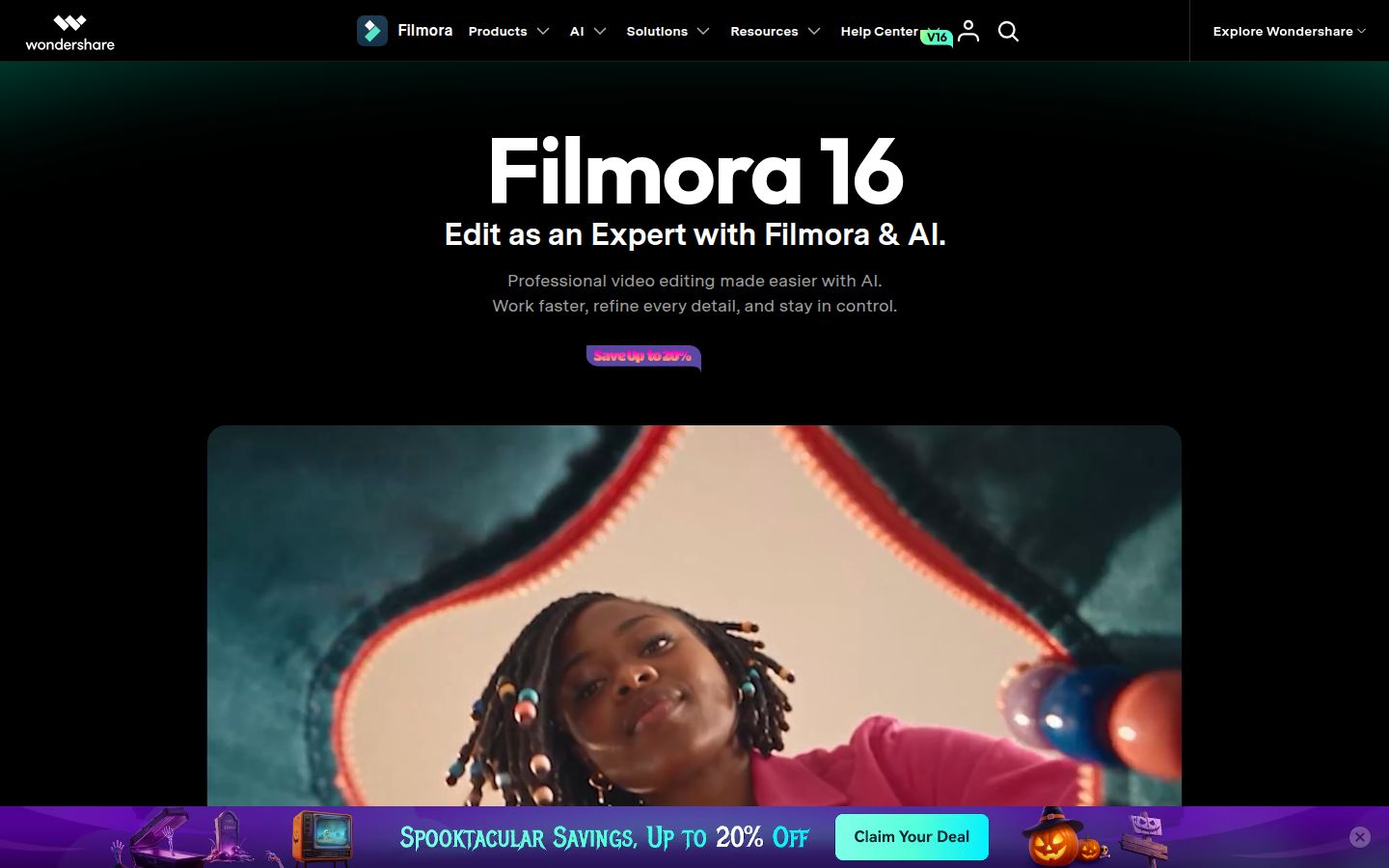
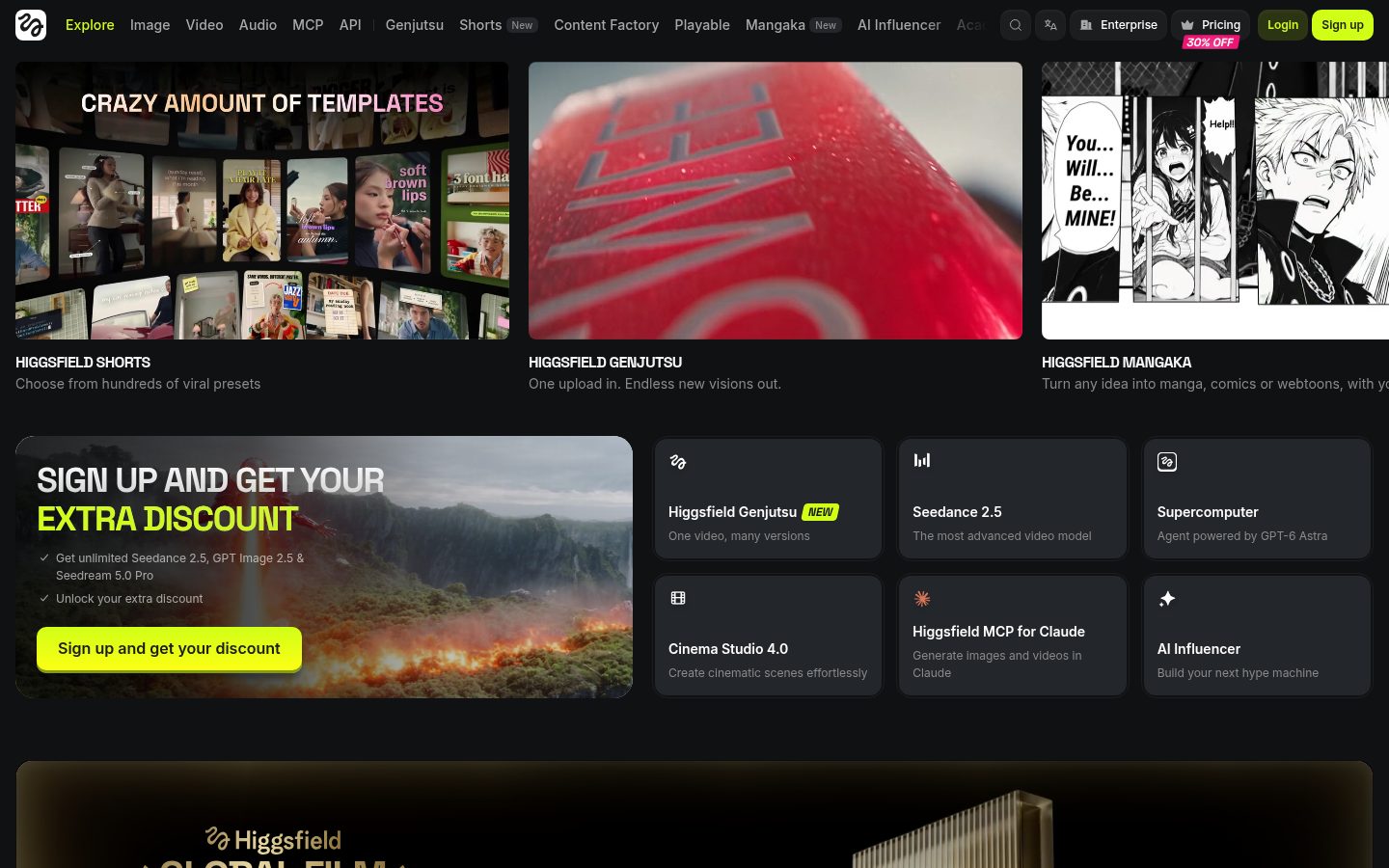
This site also covers Higgsfield as a service in a nearby field. Runway’s official pages put its own Gen-4.5 model forward, and the pricing comparison table also lists Kling 4.0 and Seedance. Runway Ads (with mention of Meta, Google, and TikTok account connections), no-code App Studio, and official smartphone apps are also presented. On the pricing page, the lowest individual paid plan shown with annual billing was Standard at $12 per month. Finer feature differences and other companies’ current prices were not checked for this article and remain unverified.
Things to keep in mind
- We did not read the Terms of Use, so ownership of outputs and commercial-use rules remain unverified.
- The Help Center body could not be retrieved (HTTP 403), so detailed how-to steps remain unverified.
- Whether the interface is in Japanese, and how well Japanese prompts work, remains unverified.
- The 25% off for Kling 4.0 was shown as “until November 30.” That is a time-limited notice.
- Details of the enterprise “up to 2 months of usage free” offer (sign by 12/31) were not read on the “See terms” page and remain unverified.
- Whether the Team plan’s $69 is monthly or an annual monthly equivalent, and whether it is per seat, was not checked on the Team tab and remains unverified.
- The minimum extra credit purchase is 1,000 credits. Monthly credits on Standard and Pro do not roll over.
- The editorial team did not verify signup, generation, or export on a live account.
Summary
Individual paid plans start at $12 per month on the yearly display. A practical next step is to try the interface with the 125 Free credits, which the FAQ describes as not expiring, and estimate monthly generation (for example, Gen-4.5 uses 12 credits per second).
Sources (page text checked on 2026-11-06 (Fri))
- https://runway.com/ (homepage)
- https://runway.com/product (product page)
- https://runway.com/pricing (pricing page, including plan display, FAQ, and schema.org Offer data on the page)
- https://runway.com/research/introducing-runway-gen-4.5
- https://runway.com/news/company-news/runway-ads
- https://runway.com/news/company-news/introducing-runway-app-studio
- https://runway.com/product/agent
- https://help.runwayml.com/hc/en-us (retrieval attempted; HTTP 403, body unverified)
- https://docs.dev.runwayml.com/ (developer documentation entry point; detailed body unverified)