Skip to content
TTOOLPORT Blog
  • Home
  • All posts
EN
日本語English한국어EspañolPortuguês简体中文繁體中文हिन्दीالعربيةFrançaisDeutschBahasa IndonesiaРусский
Searching…
No articles found
⌘K

TOOLPORT Blog

AI tools, pricing, and how to use them—clearly explained.

  • WWhat Is Filmora? Timeline Editing, Captions, and PlansCreative
  • AAI Tools Directory 2026AI tools
  • HHow to Make Faceless Videos with FlikiCreative
  • AAI Video Tools ComparedCreative
Filmora homepage with the heading Filmora 16.
Nov 6, 2026About 5 min read

What Is Filmora? Timeline Editing, Captions, and Plans

Filmora is a desktop video editor with timeline editing, speech-to-caption tools, and AI shot generation. This guide covers what the official pages say, and where to check plans.

Read article
  • AI tools
  • Creative

Latest articles

View all (all articles)
Higgsfield homepage: a dark page with cards for Genjutsu, Shorts, Mangaka, Cinema Studio, and others. This picture is the first directory entry, not a rank badge
Nov 6, 2026About 7 min read

AI Tools Directory 2026: Five TOOLPORT Listings

A November 2026 snapshot of five TOOLPORT listings — Higgsfield, Fliki, Synthesia, Rytr, and Fireflies.ai — in the same card shape. No winner. Verify each live pricing page.

  • AI tools
Fliki homepage. The heading reads “Turn idea into videos with AI voices,” with a faceless TikTok prompt and a Generate video control
Nov 6, 2026About 6 min read

How to Make Faceless Videos with Fliki

A short review and how-to for faceless TikToks, Reels, and Shorts in Fliki, plus watermark, credit, and commercial-rights limits. Official pages read on 2026-11-06 (Fri). Not the full product guide.

  • AI tools
  • Creative
Fliki homepage with the heading “Turn idea into videos with AI voices,” a Generate video control, and sample clips labeled Training, Avatar, and UGC ad
Nov 6, 2026About 10 min read

AI Video Tools Compared: Synthesia vs Fliki vs HeyGen

A neutral comparison of Fliki, Synthesia, and HeyGen on public pricing, free tiers, avatars, languages, and stated uses, from official pages read on 2026-11-06 (Fri). No ranking.


  • AI tools
  • Creative
Runway homepage with the heading “Intelligent tools for scaling content and teams.” and a “Try Runway for free” button
Nov 5, 2026About 8 min read

What Is Runway? A Beginner’s Guide to Its AI Video and Image Features, Pricing, and How to Use It

A guide to Runway’s video, image, and audio tools, pricing, getting started, and caveats, based on official pages read on 2026-11-06 (Fri).

  • AI tools
  • Creative
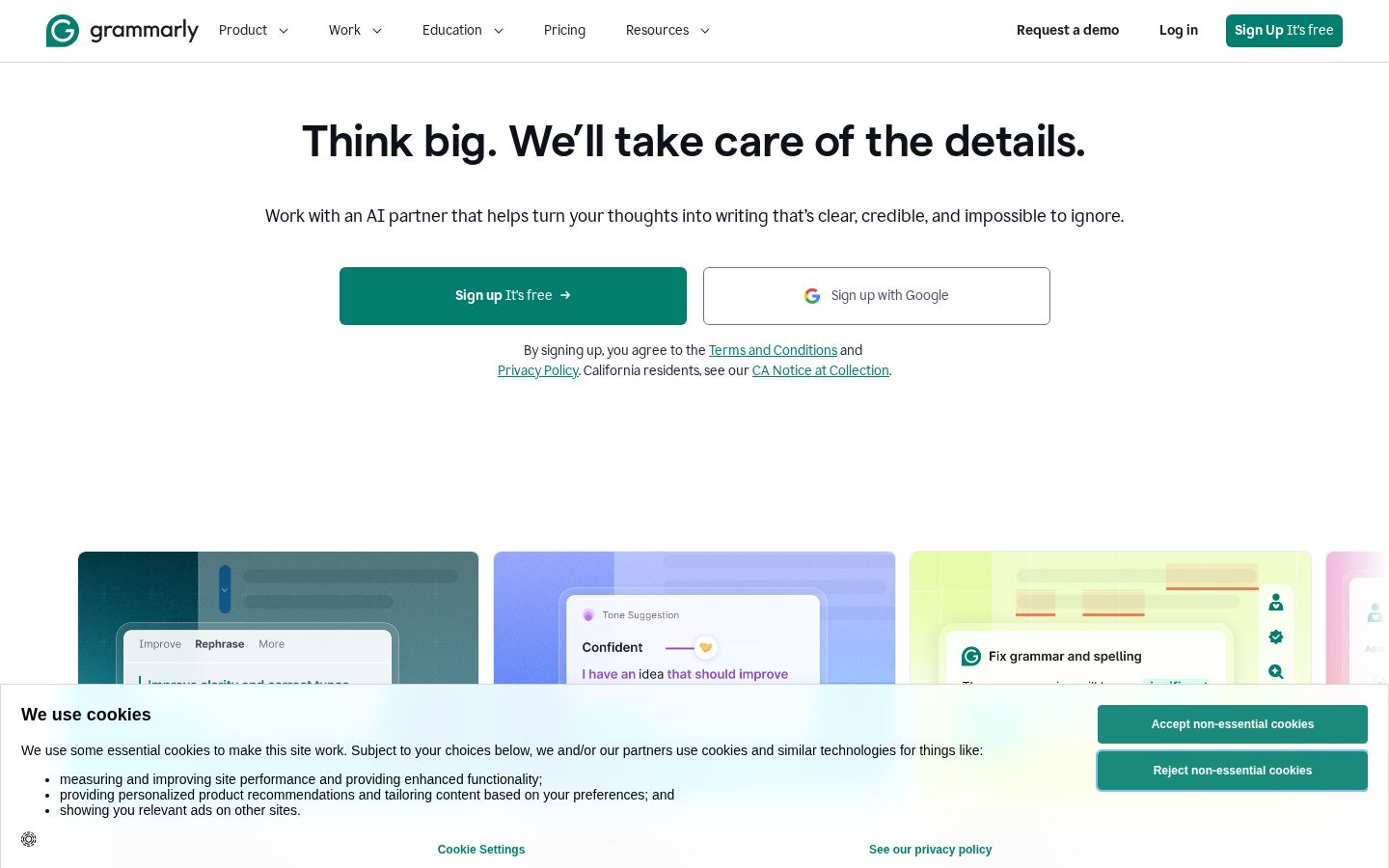
Grammarly’s official homepage, featuring the heading “Think big. We’ll take care of the details.”
Nov 5, 2026About 12 min read

What Is Grammarly? How to Use It, Pro Pricing, and Multilingual Support

Explore Grammarly’s grammar checks, rewrites, and tone adjustments, plus Free and Pro pricing, Japanese language support, and steps for reviewing English emails.

  • AI tools
  • Productivity
The official Leonardo AI homepage, featuring the heading “THE CREATOR-FIRST GENERATIVE AI PLATFORM”
Nov 5, 2026About 12 min read

What Is Leonardo AI? A Guide to Image Generation, Editing, Pricing, and Visibility Settings

Explore Leonardo AI’s image generation, reference images, targeted edits, and token system, with steps to finish an image while checking free-tier limits and visibility settings.

  • AI tools
  • Creative
HeyGen’s official homepage, featuring an introduction to AI avatar videos
Nov 5, 2026About 12 min read

What Is HeyGen? AI Avatar Video and Translation Features, Pricing, and How to Use It

Explore HeyGen’s AI Studio, avatars, script and voice controls, and video translation. Learn how the current credit system works and what to check when creating a short explainer video.

  • AI tools
  • Creative
Pictory’s official homepage, featuring an introduction to AI video creation and a button to get started
Nov 5, 2026About 12 min read

What Is Pictory? Features, Pricing, and How to Turn Articles and Scripts into Videos

Explore Pictory 3’s AI video agent, URL-to-video creation, and voice and scene editing. Learn how credit-based pricing works and how to review a short explainer video.

  • AI tools
  • Creative
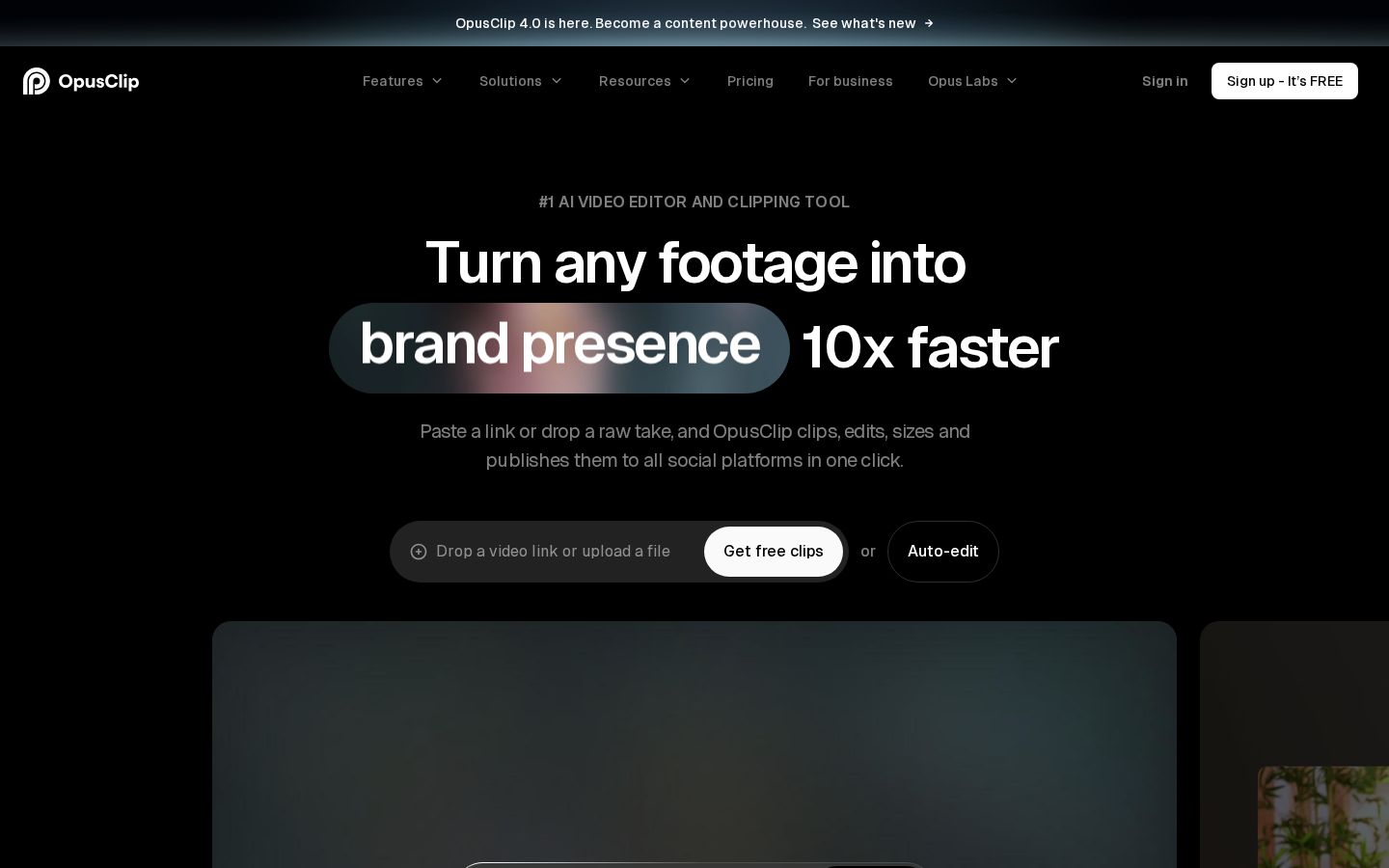
The official OpusClip homepage, introducing automatic short-form video clipping
Nov 5, 2026About 11 min read

What Is OpusClip? AI Video Clipping Features, Pricing, and How to Use It

Explore OpusClip’s clip generation, caption editing, and reframing features. Learn about Japanese support, free plan limits, and what to check when turning a source video into short clips.

  • AI tools
  • Creative
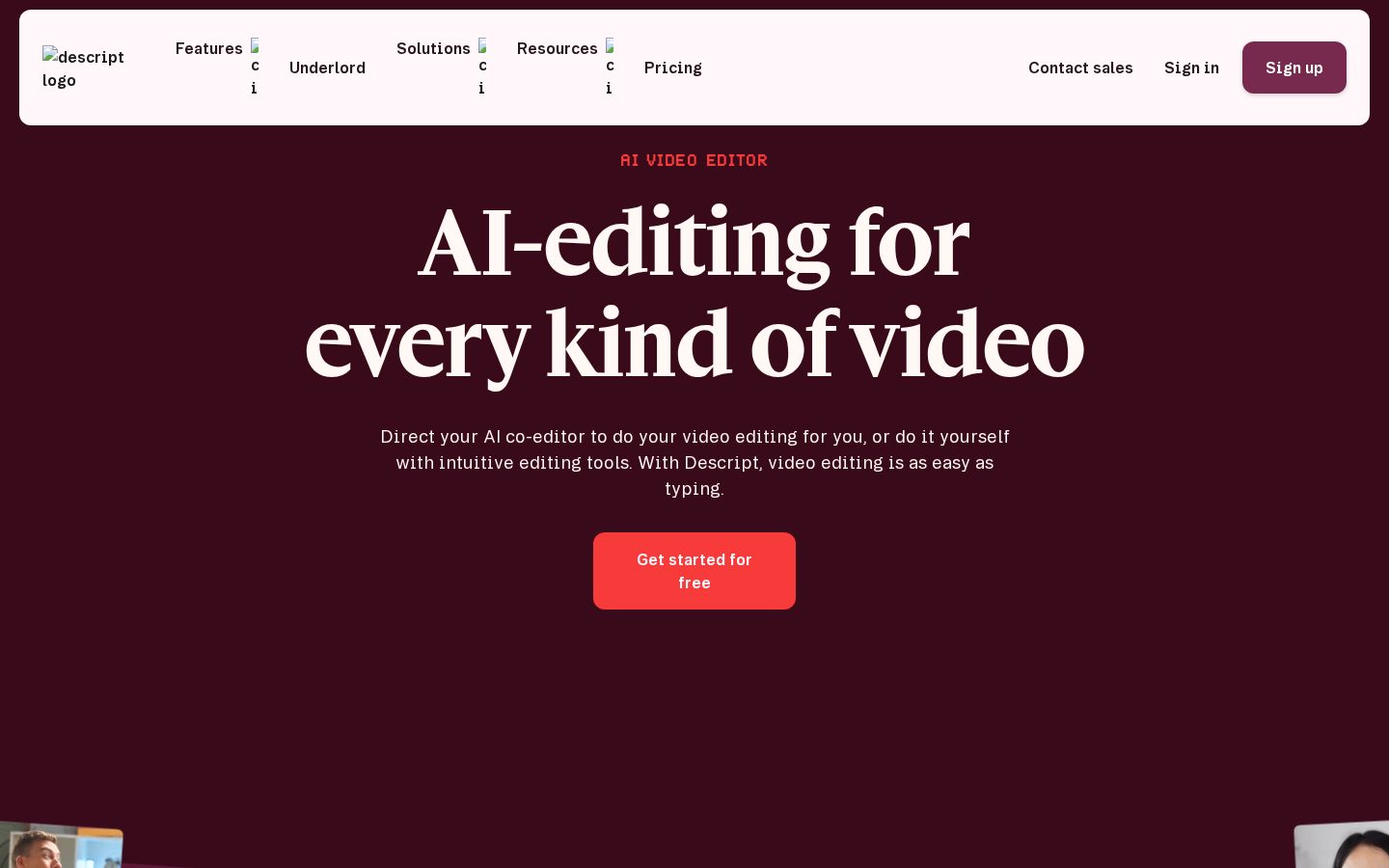
Descript’s official homepage, featuring the heading “AI-editing for every kind of video”
Nov 5, 2026About 11 min read

What Is Descript? Text-Based Video Editing, Pricing, and Multilingual Support

Explore Descript’s text-based video editing, audio adjustments, subtitles, and exports. Learn how Japanese transcription differs from translation and what to check when reviewing pricing.

  • AI tools
  • Creative
Lovable’s official homepage, featuring the heading “Build something Lovable” and a text input field
Nov 5, 2026About 11 min read

What Is Lovable? AI Web App Features, Pricing, and How to Use It

Explore Lovable’s conversational web app builder, previews, publishing, and credit system, with a guide to starting small and testing a prototype.

  • AI tools
  • Productivity
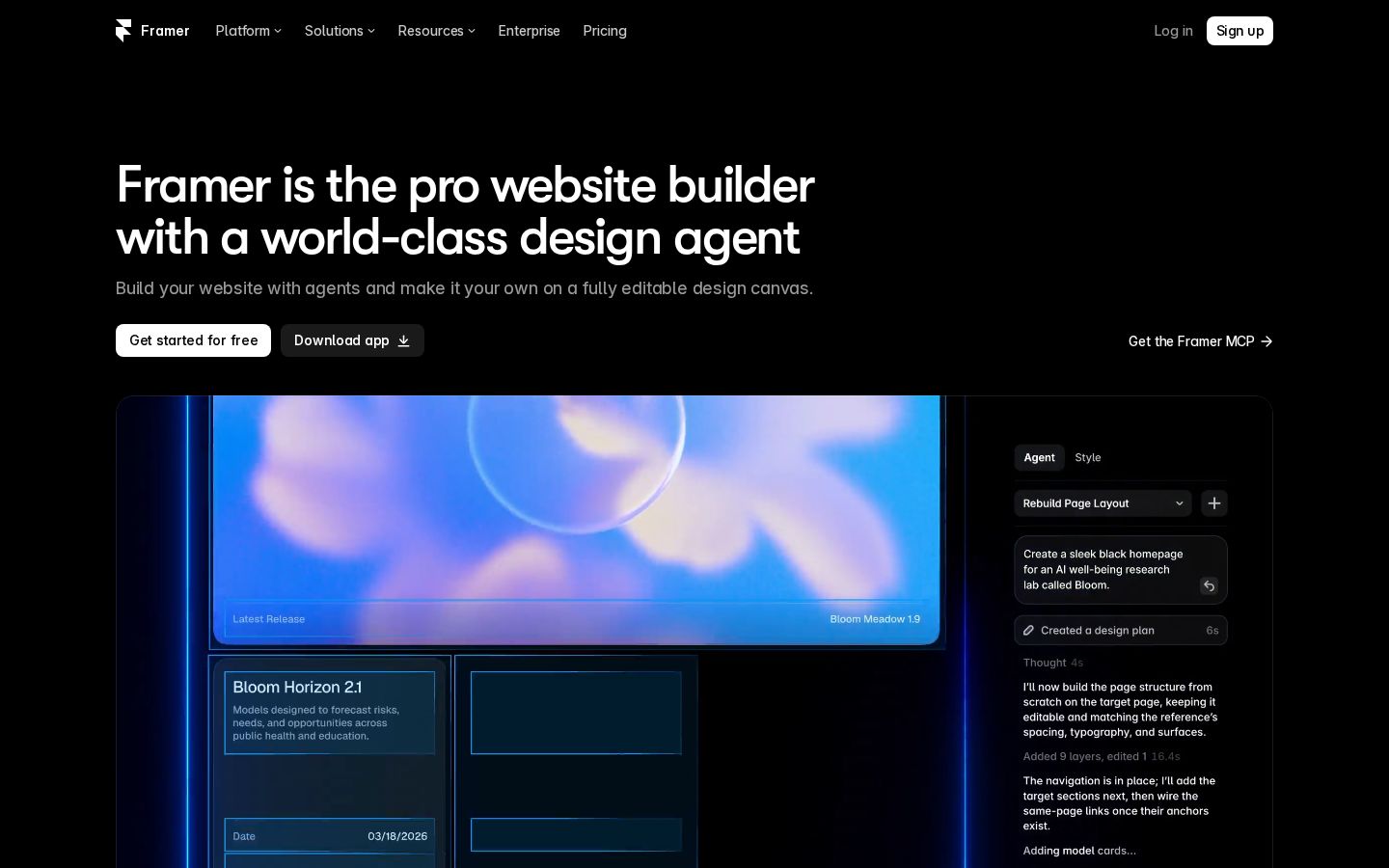
Framer’s official homepage, featuring the heading “Framer is the pro website builder” and a view of the editor
Nov 5, 2026About 13 min read

What Is Framer? AI Website Builder Features, Pricing, and How to Publish

Explore Framer’s AI Agent, editing canvas, CMS, and pricing, with steps to build a small site, check its mobile layout, and confirm where it’s published.

  • AI tools
  • Productivity
TTOOLPORT Blog

Clear guides to AI tools, pricing, and how to use them

Menu

  • Home
  • All posts

Subscribe

  • RSS feed

About TOOLPORT

TOOLPORT Blog offers clear guides to AI tools, pricing, and how to use them.

  • About
  • Affiliate disclosure
  • Privacy policy

© 2026 TOOLPORT Blog